This blog is written by AI for SEO
Build a Finance Ops Ontology: Invoices, Contracts, Vendors
A finance ops ontology is a written, machine-readable model of how your payables work: the vendors, contracts, purchase orders, invoices, payments and approvals you track, how they link, and the rules that must hold before money moves. An organizational ontology, in general, is the same idea applied to a whole company: a shared definition of what the business means by its things and the rules between them. In finance ops the payoff is concrete. An invoice gets checked against its contract and vendor before payment, and every value in the answer traces to a row or a quote.
This guide is the third in a series after the insurance ontology and the logistics ontology. It is written for controllers, AP and procurement owners and analytics engineers, so it talks about workflows and policy, not databases. If you want the general method first, start with how to build an ontology from scattered company data.
What a finance ops ontology is, and the job it does
A finance ops ontology is the model that lets one question span your ERP, bank feeds, spreadsheets and contract PDFs: "Can we pay this invoice?" Today a person answers that by opening four tabs. The ontology writes down what an invoice, a contract and a vendor mean, how they connect, and which checks apply.
Its job in finance is agreement. The ERP calls the supplier "Northwind Ltd", the bank file says "NORTHWIND LIMITED", the contract PDF names a legal entity, and a spreadsheet holds a nickname. Without a shared model, each system is right on its own and the sum is wrong. With one, the vendor is a single thing with several recorded spellings, and the contract's rate card is a field you can compare against an invoice line.
"What is a finance operating model" is a related question with a broader answer: it covers how the whole finance function runs. The ontology is the data layer under that. It doesn't replace your ERP. It reads from the ERP and from the documents around it, and gives approval policy something solid to run against.
Start from decisions, not tables. Write five to ten questions the model must answer. Does this invoice match the agreed rate? Is this a duplicate? Is the approver within their limit? Did the vendor's bank details change since the last payment? The entities you need fall out of those questions.
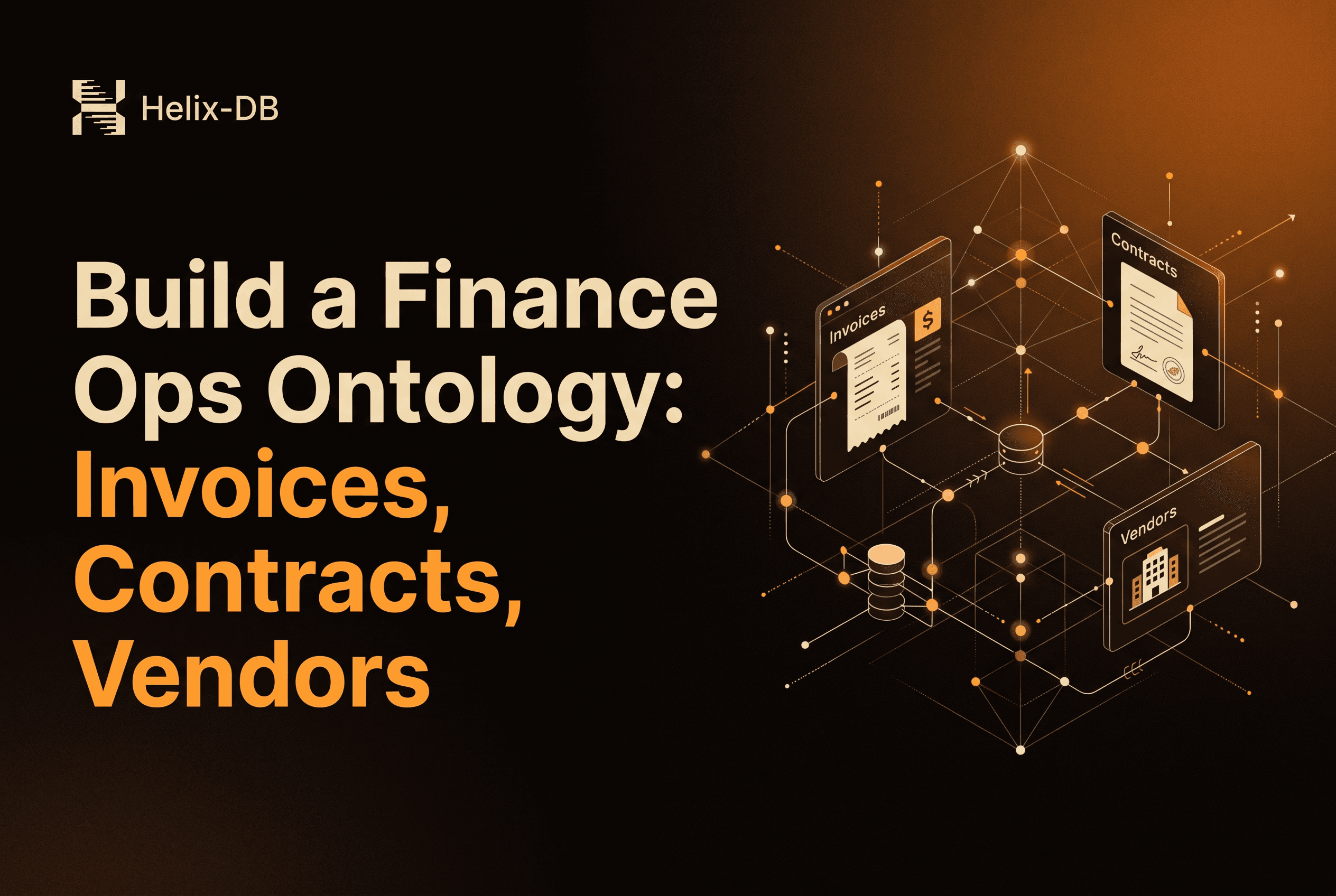
The core entities and links: vendor, contract, purchase order, invoice, payment, approval
Six entities cover most of the payables workflow, and the links between them do the real work.
Vendor: the legal entity you pay, with its known names, tax ID and bank details.
Contract: the agreed terms, rates, payment days and validity dates, usually living in a PDF.
Purchase order: what was ordered, from whom, at what price.
Invoice: what the vendor is asking for, with lines, totals and a due date.
Payment: what actually left the bank, with the account it went to.
Approval: who signed off, their limit, and when.
The links: a contract is with a vendor. A purchase order is under a contract. An invoice is from a vendor and against a purchase order. A payment settles an invoice. An approval authorizes an invoice or payment. Each link is a business statement you can audit, not a join someone wrote once and forgot.
Pick a source of truth per field. Vendor legal name comes from the contract, payment status from the bank, approved limits from the policy document. When two systems disagree, the model should say which one wins and keep both values visible. That way the disagreement is a finding, and nothing gets silently overwritten.
Matching the same vendor across ERP, banking, spreadsheets and contract PDFs
Matching the same vendor across systems is the hardest part, and it is a data problem before it is a modelling one. The model is easy to draw. Deciding that "Northwind Ltd", "NORTHWIND LIMITED" and the counterparty on page one of a contract are the same entity is where projects stall.
Work through it in order of confidence:
Hard identifiers first. Tax ID, company number or bank account are strong evidence when present on both sides.
Normalized names second. Case, punctuation and suffixes (Ltd, Limited, Inc) removed before comparing.
Context third. Same remit address, same contact, same purchase order history.
A person for the rest. Anything below your confidence line goes to review, not into the graph.
Keep every spelling you have seen as an alias on the vendor, not as a separate vendor. That is what makes duplicate-vendor reports possible later. Two vendor records that share a bank account but differ in name are exactly the pattern you want surfaced. For the same problem in graphs built by an LLM, see entity resolution for knowledge graphs.
Rules worth enforcing: invoice to contract terms, duplicates, approval limits, changed bank details
Four rules earn their keep first. Each is a statement a controller would already recognise, written down so it runs on every invoice instead of a sample.
Invoice to contract terms. The invoice must reference a contract in force on the invoice date, and line prices must not exceed the contracted rate. This is a three-way check across invoice, purchase order and contract, and it is where overbilling shows up.
Duplicates. Same vendor, same amount, same invoice number or near-identical date is a candidate duplicate. Because the vendor is one resolved entity, a resubmission under a variant name still gets caught.
Approval limits. The approver on an invoice must hold a limit at or above its value, and must not be the person who raised the purchase order.
Changed bank details. A payment going to an account that differs from the vendor's last paid account gets flagged before release. This is the classic payment-diversion pattern, and it only works as a rule if the vendor and the account history are linked.
Keep evidence for every value a rule touches. If a rule says an invoice breaches the contract rate, you should be able to click through to the invoice row and the exact quote in the contract. A rule without evidence is an opinion. With it, an auditor can verify the call in a minute.
Build it in Helix Foundry: clone and run, or Helix Cloud, then connect, generate, review and ask
Helix Foundry connects your databases, tools and documents, has an ontology agent draft one ontology over them, and loads it into HelixDB, the graph-vector database underneath, as one connected graph you can explore and question. Foundry is the app; HelixDB is where the graph lives. Foundry is open source under Apache-2.0.
Pick how to run it. Locally, you need Docker with Compose v2 and ports 3000 and 8333 free:
git clone https://github.com/helixdb/helix-foundry.git
cd helix-foundry
docker compose up -d --wait
Then open http://localhost:3000. The local install is for one person on their own computer, with no sign-in, so don't expose it to a network. Or use Helix Cloud at foundry.helix-db.com and choose Set up with your agent.
Connect. Foundry includes connectors for your data sources and documents, per the repository. For finance ops that means your ledger database, payment data and the folder of contract documents. Add each source, test it and sync its tables. Foundry never writes to your sources.
Generate. A generation sends your synced tables and documents to Foundry's agent, which drafts a version with types, links and table mappings. Expect vendor, invoice, contract and payment types, with links between them.
Review. Read the draft as a controller would. Is an invoice linked to the right contract? Is the vendor type one entity or three? Edit what is wrong, then make the version current and load it.
Ask. Once loaded, ask in plain language: "Which invoices this month exceed their contract rate?" or "Which vendors share a bank account?" Each answer traces to the source row or document quote. The quickstart takes a new workspace from sign-in to an explored graph.
Keeping it correct: link errors, self-healing audits and schema change
A first draft takes a weekend. Keeping it right as vendors, contracts and systems change is the actual work, and it has three parts.
Link errors. A wrong link, such as an invoice attached to the wrong contract, quietly corrupts every downstream check. Because loaded values trace to a source row or document quote, you can see why a link exists and decide whether it is right, instead of guessing at what the model did.
Self-healing audits. Foundry audits the loaded data for link-related findings. A complete audit updates the findings. An incomplete one stores none, so you never act on a half-finished picture. Findings can be reviewed or dismissed, and a dismissed finding reopens if its support doubles or new spellings of a name appear. In finance terms, a suspected vendor mismatch you waved through last quarter comes back when more evidence arrives.
Schema change. New vendor types, a new approval tier or a changed ERP table mean the ontology has to move. When source tables or documents change, Foundry can draft a new ontology version for review. Versions are immutable: an edit creates another version, and changes take effect only after you make it current and load it. Changing the types, links or table mappings means generating again. You end up with a clean history of what the model said when a given payment was approved, which is what an audit asks for.
Trade-offs: when you need a finance ontology and when a lookup table is enough
You don't need an ontology if one system holds the truth for your question. A single ERP with clean vendor master data, a few hundred invoices a month and contract terms stored as fields is well served by a lookup table or a saved report. A graph there is overhead.
You need one when:
the same vendor lives under different names in the ERP, bank files and contracts;
contract terms sit in PDFs and can't be joined to anything;
approval policy spans systems, so no single tool can enforce it;
you must show an auditor where a number came from.
There are honest costs. Generation sends your synced tables and recent documents to Foundry's agent, so decide which sources you are comfortable connecting. The draft needs a person's review, and the matching rules need tuning on your own data. Start with one workflow, such as invoices from your top twenty vendors, and widen only after the checks earn trust. For the build-versus-buy comparison against Palantir, see the open-source Palantir Foundry alternative.
Start with one vendor's invoices and one contract
Don't model all of payables first. Pick one vendor with a real contract, connect the ledger table and the contract PDF, generate, and ask whether last month's invoices match the agreed rate. If the answer traces cleanly to a row and a quote, widen to the next ten vendors. Clone helix-foundry, run docker compose up, and try it on your own data.