This blog is written by AI for SEO
How to Build a GraphRAG Pipeline: From Documents to Scoped Retrieval
You ship a RAG bot for a legal team and everything works until the first complex query arrives. A lawyer asks: 'Which partners signed off on the Project Alpha revisions after the compliance audit?' Your Pinecone index returns five chunks about Project Alpha, but none of them mention the audit or the partners involved. The vector search found semantic matches for the project name but failed to follow the relationship between the audit, the document revisions, and the people who approved them. This is the wall every engineer hits with naive top-k retrieval.
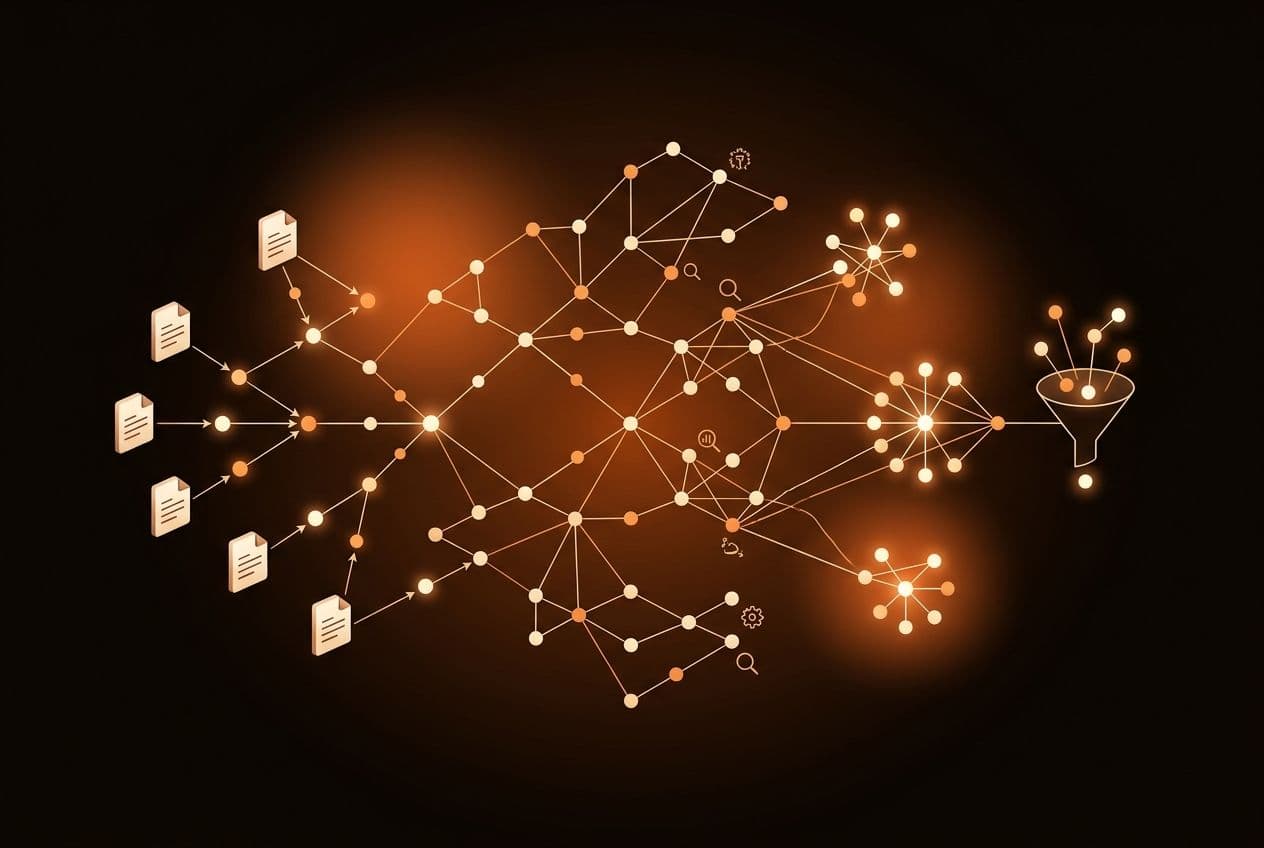
Top-k RAG searches for similarity, not connection. It treats your documents like a bucket of loose confetti. GraphRAG treats them like a map. By the end of this guide, you will know how to build a GraphRAG pipeline that extracts entities, models relationships, and uses a unified engine to traverse connections before ranking results. You need a basic understanding of embeddings and chunking to follow along. We will move past simple similarity to build a system that understands how your data is actually linked.
Step 1: Why Does Naive RAG Miss Connected Context?
Naive RAG retrieves by resemblance. If a question spans three documents, a vector-only search usually pulls chunks from two of them and misses the third, because that one never uses the words you searched for. GraphRAG adds a second axis, the entities in your documents and the relationships between them, so retrieval can follow a connection rather than only measuring a distance.
GraphRAG fixes the 'orphan chunk' problem. In a standard pipeline, a chunk about 'Jane Doe' and a chunk about 'The Executive Committee' might have no semantic similarity in vector space. But if Jane Doe is the Chair of that committee, a graph edge connects them. GraphRAG allows your retrieval step to follow that edge even if the text doesn't explicitly mention Jane in the committee chunk. This is the difference between finding documents that look like the question and finding documents that contain the answer.
That said, GraphRAG is not a magic fix for poor data. If your extraction layer is weak, your graph becomes a collection of hallucinated nodes. It also adds real operational overhead. Most teams try to duct-tape Neo4j to Pinecone and then add a Postgres instance for metadata. That three-database setup creates latency and synchronization problems. HelixDB solves this by putting graphs, vectors, and full-text search in a single Rust engine. You get graph connectivity with vector index speed, without managing three different schemas. Before you build, accept that GraphRAG is for relational complexity, not just better search accuracy. If your users only ask for simple facts found in single paragraphs, stick to naive RAG and save the compute credits.
Step 2: How Do I Extract a Knowledge Graph from My Documents?
The quality of your GraphRAG pipeline depends entirely on your extraction logic. You cannot simply dump text into a graph. You must convert unstructured prose into triples: Subject, Predicate, and Object. For example, 'Alice works at Acme Corp' becomes a node for Alice, a node for Acme Corp, and a 'WORKS_AT' relationship between them. This process is called Named Entity Recognition and Relation Extraction (NERRE).
Use a high-reasoning model for this step to ensure the extraction logic is robust. Give the model a specific schema of the entities you care about, such as People, Organizations, Dates, and Projects. If you let the LLM invent its own entity types, your graph becomes a messy hairball that is impossible to query. Force the model to output structured JSON. Local entity extraction tools can also be utilized for efficiency, though larger models often identify complex relationships more effectively. Agent memory needs this level of precision, because an agent that splits one entity across three nodes loses track of who did what.
Entity resolution is the final hurdle in extraction. If one document says 'IBM' and another says 'International Business Machines', your pipeline must recognize they are the same node. Without resolution, your graph splits and traversals fail. Use a combination of fuzzy string matching and LLM-based clustering to merge these duplicates before they hit your database. Once you have a clean list of entities and relationships, you are ready to build the physical model.
Step 3: How Should I Model the Graph, the Chunks, and the Embeddings?
In a GraphRAG system you do not choose between a graph and a vector index, you need both. Entities become nodes, relationships become edges, and an embedding is a property on whichever of those you intend to search. In HelixDB a vector is a top-level numeric array on a node or an edge, the same shape it takes in any property graph. What changes is that the traversal and the ranking run against the same store, so there are no round trips between two systems and no join to write in your application code.
Your model should include three layers. First, Entity Nodes represent the 'who' and 'what'. These nodes store properties like names, descriptions, and a vector embedding of that description. Second, Relationship Edges connect these nodes. An edge might represent 'OWNED_BY' or 'CONTRIBUTED_TO'. Edges can carry embeddings too, which is worth doing when the meaning lives in the relationship rather than in either end of it, though the worked example below indexes nodes. Third, Document Chunks remain in the graph as nodes. Each chunk links to the entities it mentions. This creates a bridge between the high-level knowledge graph and the raw source text.
This structure allows for a dual-mode search. You can find an entity by its name or its semantic meaning, then immediately traverse to all related document chunks. This is why the vector database versus graph database framing is usually a false choice. You need a unified engine that understands both. Storing the embedding on the node it describes is what removes the synchronisation problem, because there is no second store holding a copy of the same id. Any node you have declared a vector index for is searchable, and every hit that comes back is already a graph node you can traverse away from.
Step 4: Index the Graph and Vectors Together
Indexing is where pipeline performance is won or lost. In a naive RAG setup, you only index vectors using an algorithm like HNSW. In GraphRAG the traversal matters as much as the ranking, and when those live in separate systems every scoped query costs you a round trip plus a list of ids shuttled between them. In HelixDB they sit in the same storage layer, so a graph hop and a vector search happen in the same execution context.
Index time as well as text. Relationships go stale, and a legal or financial agent needs to know what was true when, not only what is true now. You model that with timestamps on the nodes and edges that represent events, and a range index over those timestamps is what makes reading them back cheap: gt, gte, lt, lte and between, plus ordered scans in either direction, so the last twenty revisions is a descending scan you can stop early. It composes with a scoped search, so recency and semantic relevance resolve in one request rather than two.
Batch the work, and create the indexes before the bulk load rather than after. There is no schema file and no compile step here: an index is made by a write query, with the same SDK you read and write everything else with.
import { writeBatch, g, VectorDistanceMetric } from "@helix-db/helix-db";

const index = writeBatch()
  .varAs(
    "index",
    g().createVectorIndexNodes(
      "Entity", "embedding", 1536, VectorDistanceMetric.Cosine, null,
    ),
  )
  .returning(["index"]);
await client.query(index);
The arguments are the label, the property holding the embedding, the dimension, the distance metric, and a tenant property to partition the index on, with null for a global index. Creation is asynchronous, so poll getIndexOperation until every status reads succeeded, and stop on blocked, aborted or timeout. Do not start loading just because the request came back accepted; the backfill has not necessarily finished.
Step 5: How Do I Scope a Vector Search to What the Traversal Found?
The retrieval pattern is what makes GraphRAG work. Don't just run a vector search across all chunks. Use a 'prefilter-then-rank' pattern instead. First, use the user's query to identify the starting entities in your graph. If the user asks about 'Project Alpha', find the Project Alpha node. Second, traverse the graph to find all related nodes and documents within one or two hops. This scopes your retrieval to only the relevant context.
Once you have that scoped set, rank inside it. The documented order is graph traversal, then exact candidate membership, then vector ranking, then top k, and the traversal set is authoritative: a result outside the candidate set cannot come back. Searching the whole label and then applying a where clause is not a substitute for this, because the entries your filter throws away have already consumed the source top k, so you finish with fewer eligible results than you asked for. That is the failure mode most teams have already hit without naming it. We went through the mechanics in more depth in the pre-filtering guide.
In HelixDB that is one request and one transaction. You build it with the SDK in whatever language your service is already written in, and it serializes to JSON; there is no query language to learn and nothing is compiled.
import {
  g, readBatch, defineParams, param, SourcePredicate,
} from "@helix-db/helix-db";

const params = defineParams({
  project: param.string(),
  query_vector: param.array(param.f32()),
  limit: param.i64(),
});

const recall = readBatch()
  .varAs(
    "hits",
    g().nWithLabelWhere("Project", SourcePredicate.eq("name", params.project))
      .out("HAS_REVISION")
      .vectorSearchWith("Revision", "embedding", params.query_vector, params.limit)
      .valueMap(["$id", "title", "$distance"]),
  )
  .returning(["hits"]);

const request = recall.toQueryRequest(
  params,
  { project: "Project Alpha", query_vector: queryVector, limit: 10n },
  { queryName: "revisions_for_project" },
);
Two things to expect from that. You can get back fewer rows than your limit, because the result is bounded by how many unique candidates the traversal reached, and that is the guarantee working rather than a bug. And exact membership does not mean the engine compared every candidate embedding one by one: approximate structures still do the ranking, and the output is checked against the traversal set.
Step 6: How Do I Know GraphRAG Is Actually Better Than My Baseline?
You cannot manage what you do not measure. After building your GraphRAG pipeline, test it against your original top-k RAG baseline. Use an evaluation framework such as RAGAS to measure faithfulness, answer relevance and context precision. You will likely find that GraphRAG has higher Context Recall for multi-hop questions, but it may also have higher latency due to the extraction and traversal steps.
Create a gold-standard dataset of 50 to 100 complex questions that require connecting facts across documents. Run these through both pipelines and compare results using a model-based grader like G-Eval. If GraphRAG isn't providing a clear accuracy improvement, your graph model is probably too simple or your extraction is missing key relationships. You may need to tune your hop count or adjust how you weight vector similarity versus graph proximity.
Building a GraphRAG pipeline is an iterative process. You will find that some entity types are more useful than others. You might realize you need to index edge properties more heavily. Don't be afraid to wipe your graph and re-index with a new schema. The goal is a 'company brain' that evolves as your data grows. If you are still stitching together multiple databases to achieve this, you are fighting the tools instead of the problem. A unified engine simplifies this evaluation by letting you tweak query logic in one place.
Conclusion
GraphRAG earns its cost when your users ask questions that span documents, and not much before that. When they do, extracting entities and modelling their connections is what gives the model the structural context that similarity alone will not surface. The biggest mistake engineers make is over-complicating the infrastructure. You do not need to manage three separate databases to get these results. Duct-taping a vector store to a graph store only produces high latency and synchronization bugs that break your agent memory.
HelixDB is a single Rust engine that runs graph traversal, vector search and full-text in one transaction, so the scope and the ranking are not two systems you keep in step. helix init then helix start dev gets you a local instance to point your first extraction run at, and the run mode is a startup flag rather than a product tier: in memory, on disk, or against S3-compatible object storage. Star HelixDB on GitHub if the approach is one you want to follow.